
How do we manage routers remotely? This is a challenge for many organizations. With a well-designed device management platform, you gain control over your entire router fleet, from configuration and updates to monitoring.
With the stricter NIS2 standards and the upcoming Cyber Resilience Act (CRA) starting in 2027, device management platforms are not a nice to have but a requirement for compliance.
Use this checklist with 7 practical tips to set up your remote device management professionally.
Practical tips for remote device management
1. Use secure remote access for all your routers
The foundation of reliable management is secure remote access. With a remote device management platform, you ensure secure access to your routers. Many platforms utilize VPN, which allows you to access the underlying equipment through a secure connection.
Why is remote device management important?
- Secure remote access to your routers and underlying equipment
- No adjustments required in local networks (with Managed IoT SIM)
- Each device gets a fixed (virtual) IP address
- Meets security and compliance requirements (preparing for the CRA in 2027)
2. Choose cloud or on-premise management
A cloud platform has the advantage of being live quickly. Updates are also performed automatically, and you have access to your router fleet from anywhere.
An on-premise solution offers complete control over your own IT environment. This is ideal for organizations with strict security requirements.
3. Centrally manage your router fleet
Do you work with multiple routers in the field? Then good fleet management for routers is crucial. This allows you to scale your solutions without adding extra administrative burden. Remote firmware updates for routers keep your network secure and stable.
With fleet management you can:
- Group routers by project or location
- Update, configure and monitor a group of routers with one click
- Remotely reboot routers in a group
- Track KPIs in real time
4. Manage your devices on the go as well
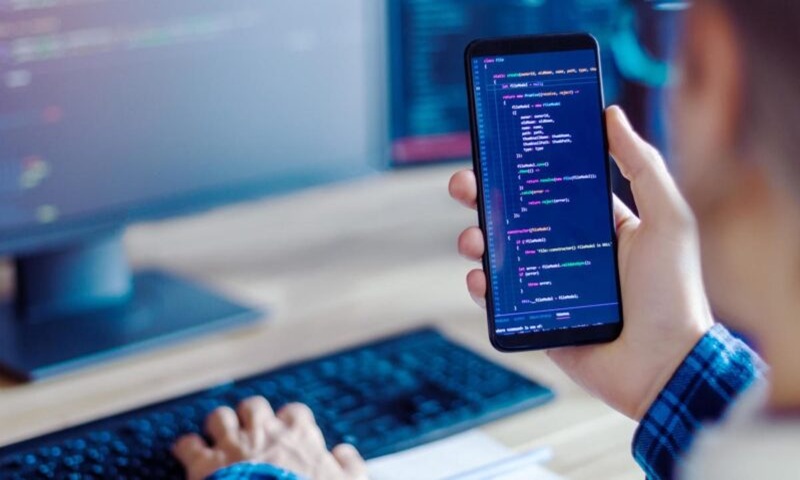
Want insight wherever you are? With a mobile app, you can easily manage your routers from your smartphone or tablet. This way, you can check the status, view notifications, and intervene immediately in the event of an incident.
5. Use VPN for quick fault analysis
With a remote device management platform, you also gain access to the underlying equipment in the field via a VPN connection. This is useful, for example, during outages at customer locations. This allows you to monitor and provide support remotely. Often, a site visit isn't even necessary. And the issue is resolved more quickly for the customer, resulting in less downtime.
6. Manage access rights intelligently
Not everyone needs access to everything. With role-based access, you decide who gets access and to which devices. You can also set how long someone should have access. Useful for external technicians, temporary projects, or remote support.
7. Test and experience it yourself
Want to discover what remote device management can do for your organization? Try it now, free of charge.
For Advantech routers
- 3 months free WebAccess DMP
- For up to 5 routers
For Teltonika routers:
- Free RMS 3-unit pack
- 3 months of remote management for 1 router
Ready to manage smarter?
With professional remote management, you can improve service quality, resolve issues faster, and be prepared for upcoming security guidelines. This saves you time and money in a secure way.
Curious which solution best suits your situation? Our experts we are happy to help you!