Automate manual, time-consuming and error-prone registration processes with barcode scanning

With the arrival of so-called 'low code' development environments, we increasingly see that customers choose to automate manual, time-consuming and error-prone registration processes using barcode scanners.
One of the development environments that we see used by our customers for this is Microsoft Power Apps.
What is Power Apps:
Power Apps is a Microsoft suite of apps, service and connectors that can digitize manual registration processes in, for example, Excel or Access. Because Power Apps is a so-called 'low code' development environment, it is possible to quickly and intuitively build web and mobile applications with a powerful user experience without specialist programming knowledge.
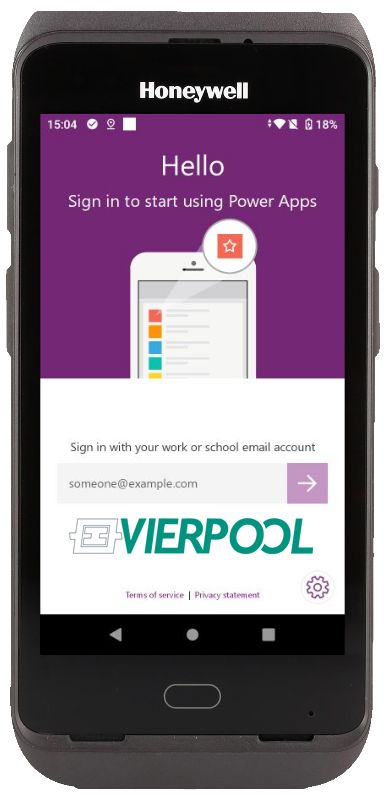 Power Apps in combination with a barcode scanner:
The Power Apps platform consists of model-driven apps, canvas apps and portals or connectors.
With model-driven apps – as the name suggests – the 'data model' is central and you determine in the app how the business process handles this data. Canvas apps are used when the user experience is most important. As a 'builder' with canvas apps, you have full control over the interaction between the user and the screen. This check is particularly important in combination with using the app on a mobile barcode scanner. A barcode scanner is often used for specific (registration) processes where you preferably only want to provide the user with the really required data and therefore not all (and often unnecessary for the specific process) information. Canvas apps also offer options for integrating the camera on a mobile barcode scanner, the microphone and the use of location (GPS) data.
The portals or connectors make it possible to make 'standardized' connections to external data sources, tables or applications, including Excel, SharePoint, Access, SQL Server, Outlook, Dynamics365 and Azure.
Curious about the most suitable barcode scanner for an application to be developed using Power Apps